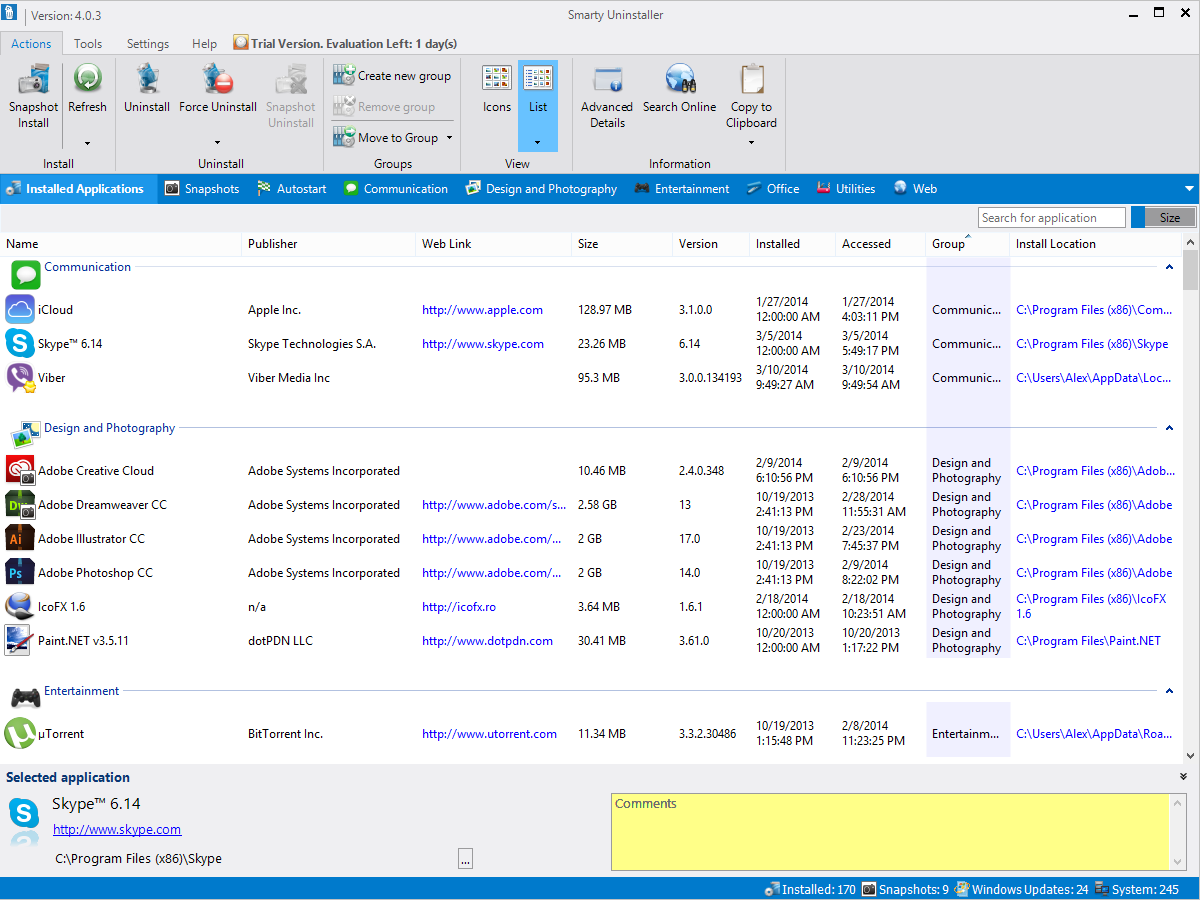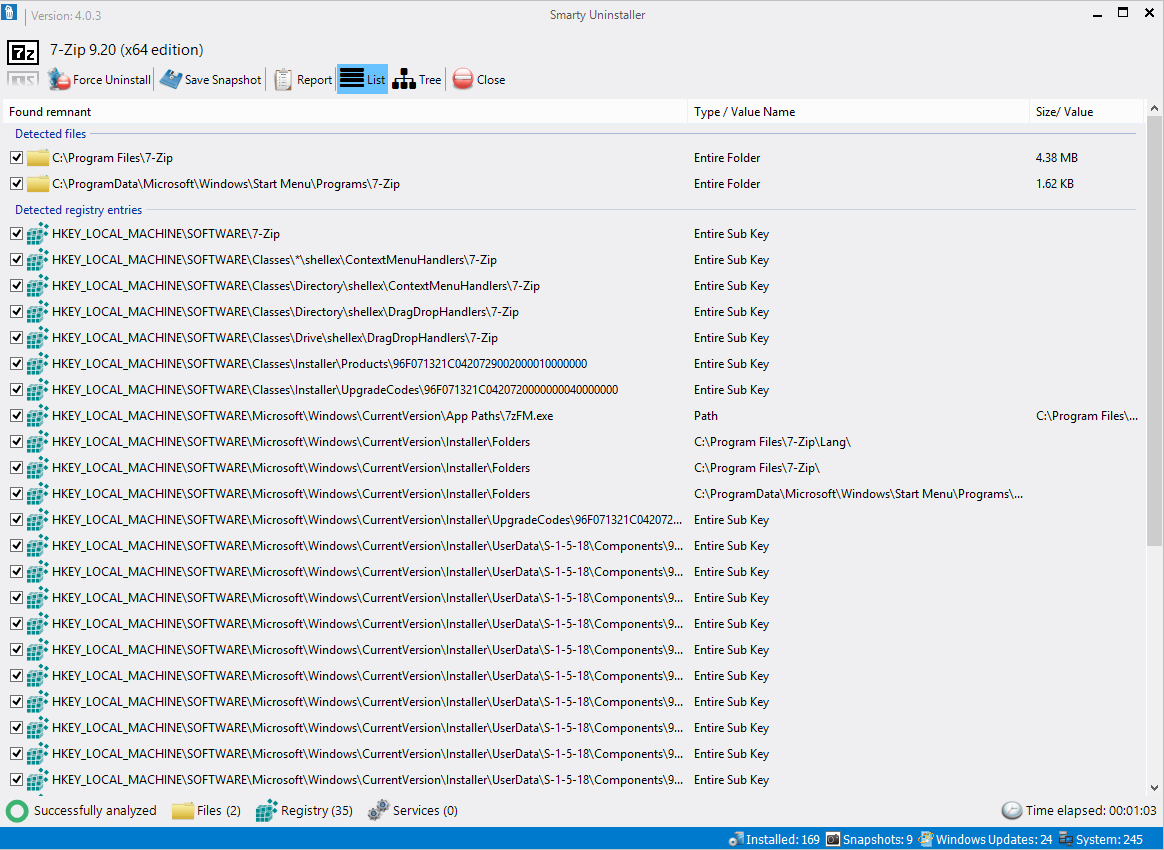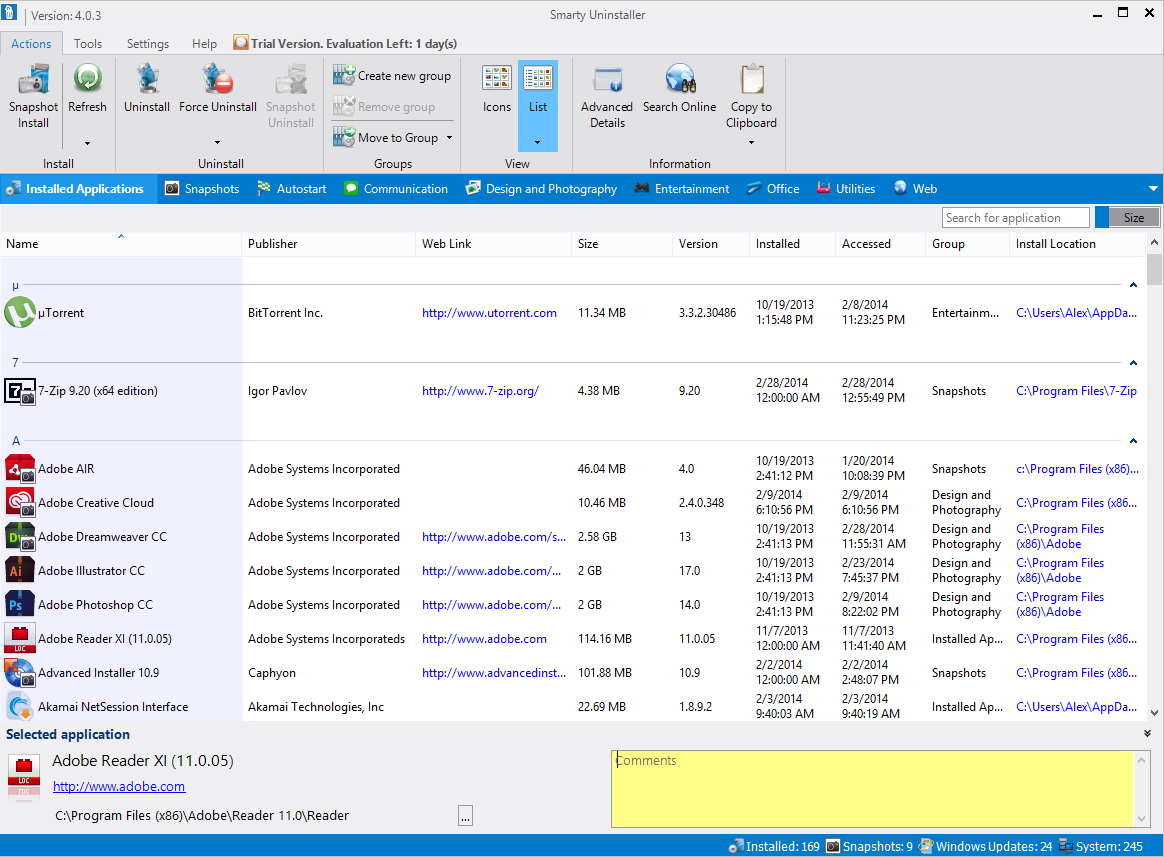
Version 2.6.0 - April 2010 (Update/Important)
Changes/Optimiztions/Fixes:
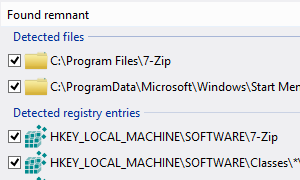
Analyzing process has been improved and now it is much more accurate than before.
Few other minor optimiztions and improvements.
Version 2.5.5 - January 2010 (Update/Important)
Changes/Optimiztions/Fixes:
Application's analyzing process has been improved and should take less time than before.
Minor UI fixes.
Few other minor optimiztions and improvements.
Version 2.5.4 - December 2009 (Update/Important)
Changes/Optimiztions/Fixes:
Important improvements to the analyzing functions in Smarty Uninstaller, Smarty Startup Manager and Smarty Shortcut Cleaner for 64 bit systems.
Important improvements to the secure delete functions in Smarty Uninstaller and Smarty Secure Delete. Before, there was a possibility of unsecure data deletion.
Corrected Analyze/Cleanup minimization procedure. Now it will be minimized with main window.
Few other minor optimiztions and improvements.
Version 2.5.3 - October 2009 (Update/Important)
Changes/Optimiztions/Fixes:
Important improvements to the analyzing functions. This makes Smarty Uninstaller more accurate during detection of the install locations for installed software.
Fixed the incorrect analysis of the shortcuts for some applications (without detected install location).
Other minor optimiztions and improvements.
Version 2.5.2 - August 2009 (Update/Important)
Changes/Optimiztions:
Important improvements to the Smarty Analyzer feature (this feature scans your computer for traces left by the applications.).
Secure Delete checkbox (on the Cleanup Confirm window) remembers the selected state.
Analyze/Cleanup window remembers the last window size correctly.
Other minor optimiztions and improvements.
Version 2.5.1 - July 2009 (Update/Important)
Changes/Optimiztions:
Fixed a bug that caused incorrect sizes for applications with undetected path.
Important improvements to the Smarty Protection feature (this feature will protect critical system components. You will not be able to delete system files accidentally or in any other way).
Other minor optimiztions and improvements.
Version 2.5.0 - July 2009 (Update/Important)
New features:
Smarty Process Inspector - new tool that allows you to control and view detailed information about processes running on your PC.
Force Uninstall (Unattended Mode) - new handy feature that allows you to Force Uninstall application(s) in Unattended Mode. You will not be asked for anything during the Force Uninstall in Unattended Mode. All required processes will be finished without interactions from your side.
Search by Path - new feature that gives you ability to search applications by entering the path string into the search box on the Smarty Uninstaller's main window.
Search Online - new command that allows to search selected application online directly from the Smarty Uninstaller.
Copy - new command that allows you to copy application's details to the clipboard directly from Smarty Uninstaller/Smarty Startup Manager.
Ignore - new command for possible broken applications. Allows you to remove selected application from the possible broken category. Use this feature if you sure that application installed correctly.
Changes/Optimiztions:
Force Uninstall now available only for applications with existing install location.
Minor fixes in the Smarty Startup Manager
Minor fixes in the Smarty Shortcut Cleaner
Version 2.4.0 - April 2009 (Update/Important)
New features:
Smarty Secure Delete (Tools) - New Tool. Use to ensure that nobody will be able to recover deleted files from your disk.
Smarty Secure Delete (Uninstall/Force Uninstall) - allows you to overwrite the found application's files with random characters to ensure that nobody will ever be able to recover these files from your disk.
View > List Font... - gives you ability to personalize the user interface of Smarty Uninstaller even better than before.
Run Application (Smarty Startup Manager) - allows you to run selected application directly from the startup list.
Changes/Optimiztions:
UI imporevemts.
Minor bugs are fixed.
Minor optimizations.
Version 2.2.0 - September 2008 (Update/Important)
New features:
Smarty Startup Manager - tool for managing Windows startup items with easy and intuitive user interface.
New Large Icons and Small Icons views (available in the View menu for Advanced Details and Details (No Groups) views).
Few minor optimizations.
Fixes:
Infinite Wow6432Node problem that caused Smarty Analyzer to hang on some systems with Windows XP/Vista x64.
Few minor bugs are fixed.
Version 2.1.0 - July 2008 (Update/Important)
New features:
Automatic Updates - allows you to keep the Smarty Uninstaller up to date with the latest updates and enhancements without visiting Smarty Uninstaller's web page.
Application's analyzing process has been improved and should take less time than before.
Fixes:
Few Windows Vista compatibility issues are fixed.
Few minor bugs are fixed.
Version 2.0.0 - February 2008
(Update/Important)
New features:
* 'Tools > Add Application Manually...' - allows you to add the
applications to the uninstall list manually by pointing Smarty
Unistaller to the application's executable
file (.exe). This feature is useful if you can't find some
application in the Smarty Uninstaller or in the Windows
Add/Remove but you have it on your hard drive.
* Advanced Details window improved, now you can view details for
all application's without closing the window. Also, now it
is resizable.
* Quick Application Tips - gives you fast access to the
application's details and allows to view, copy and use
hyperlinks.
* Application's analyzing process has been improved. Now Smarty
Uninstaller is much faster and stable than previous versions.
* Bottom menu functionality changed: now it displays the Install
Location of the selected application.
* 'Uninstall' menu > 'Delete from Installed Programs List' command -
allows you to delete the application entry from the Installed Programs
list.
Fixes:
* Many minor bugs are fixed.
* "Licensed to" information now available only from About menu.
* Balloon tips have been replaced with Quick Application Tips.
Version 1.8.0 - September
2007 (Update/Important)
New features:
* Improved Smarty Analyzer
* Windows XP/Vista 64-bit editions support
* User Interface improvements:
- all windows are resizable
- ability to hide additional menus at the main window
- remembers user defined windows/columns sizes for all windows
* User's style/language settings are unique for each Windows
Account. You may define different settings (menu style, menu
font, language, windows sizes, column sizes and etc.) separately
for each user.
Fixes:
* Optimized for best performance
* Other minor UI optimizations and minor fixes
Version 1.7.2 - May 2007 (Update/Important)
This update is important only if
you use Windows Vista.
Fixes:
Windows Vista compability issues.
Version 1.7.1 - April
2007 (Update/Important)
New features:
Improved Smarty Analyzer:
better detection of leftover folders and files
better removing of leftover folders and files
Fixes:
Problem with Incomplete Uninstallations
Problem with post delete of leftover folders and files
Optimized for best performance
UI optimizations and minor fixes